How to order your photos
Click the heart on all of your favourite photos. You can then choose which of your favourite photos you would like to buy.
Go to the ‘Print Store’.
Choose your package.
Click ‘All Photos’ (at the top of the screen) and scroll down the menu to ‘My Favourites’.
Select the photos that you want. You will need to follow the steps to add each favourite.
Click Done and proceed to check out.
Watch the video to find out how
Your Photo Options & Pricing
HIGH RESOLUTION DIGITAL DOWNLOADS
You have the opportunity to buy the 3600 px full high-resolution, print-ready file. It provides plenty of detail for both digital displays and wall art. Watermarked gallery previews are low-resolution files that are compressed when screenshotted, degrading the photo quality even more.
Print Sizing Guide
All downloads are set to 300 DPI:
Up to 12" x 8" (or A4 size / 30 x 20 cm)
Large wall Canvases & Posters (150 - 200 DPI): Up to 24" x 16" (A2 size) or larger. Because large wall art is viewed from a few feet away, 3600 px renders beautifully on canvases and framed prints.
Screen & Digital Quality
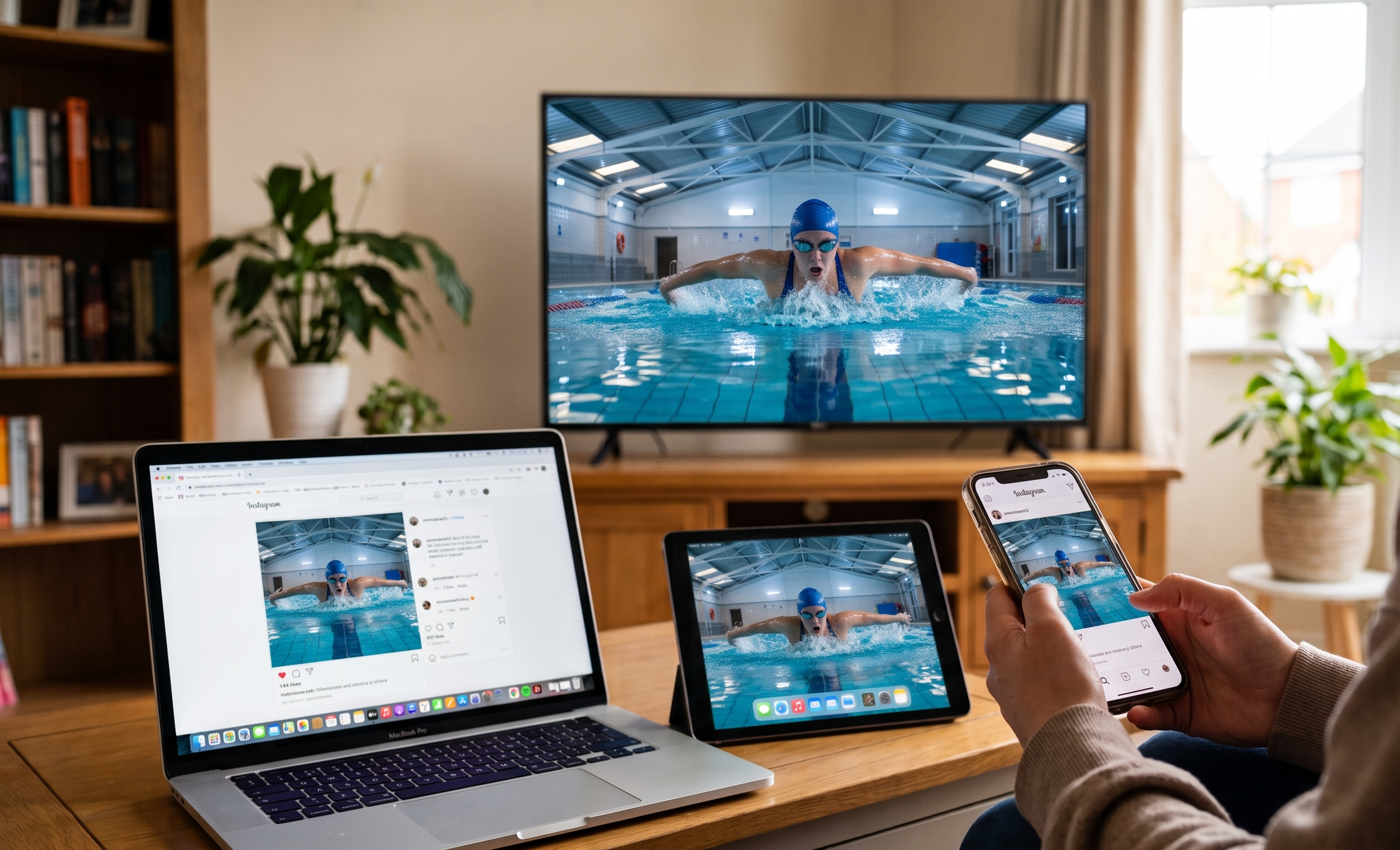
4K & Retina Displays: 3600 px is nearly 4K UHD resolution (3840 x 2160), meaning photos will look crystal clear on modern 4K TVs, iPads, and smartphone screens.
Social media: Fits all max-quality requirements for Instagram, Facebook, and personal websites without compression distortion.
ARCHIVAL LAB-QUALITY PHOTOGRAPHIC PRINTS
Produced by a leading professional UK photo lab using true silver-halide photo processing, physical prints bring your swimmer's moments off the screen and into your home with exceptional clarity, richness, and colour depth.
Fuji DP II Professional Paper: Printed on gallery-grade lustre paper specifically engineered for high-definition sports and action photography.
Vibrant, True-to-Life Colours: Professionally calibrated printing ensures crisp water splashes, accurate team colours, and natural skin tones that won't look oversaturated or washed out.
Glare & Fingerprint Resistant: The subtle lustre texture reduces harsh reflections under room lighting and protects against smudge marks during handling.
Protective Home Delivery: Carefully packaged in rigid, flat-pack protective mailers and shipped directly to your door from the professional photographic lab
LUSTRE PRINTS
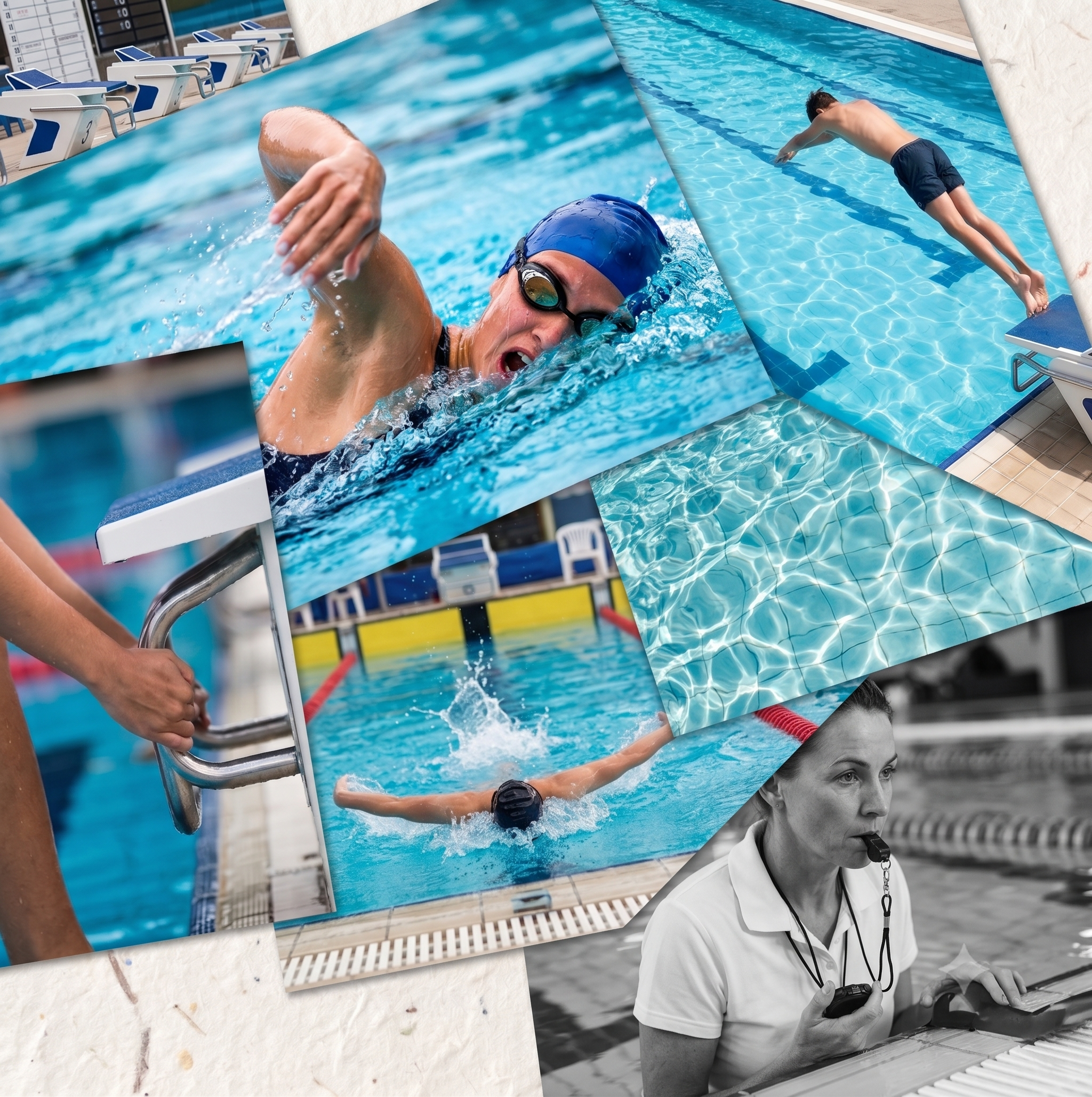
All photos are printed on Fuji DP II Lustre Paper. A lustre print is the industry standard for professional sports photography. It features a semi-gloss finish, sitting perfectly between a high-gloss finish and a flat matte finish. It combines the best of both features!
LARGE WALL ART
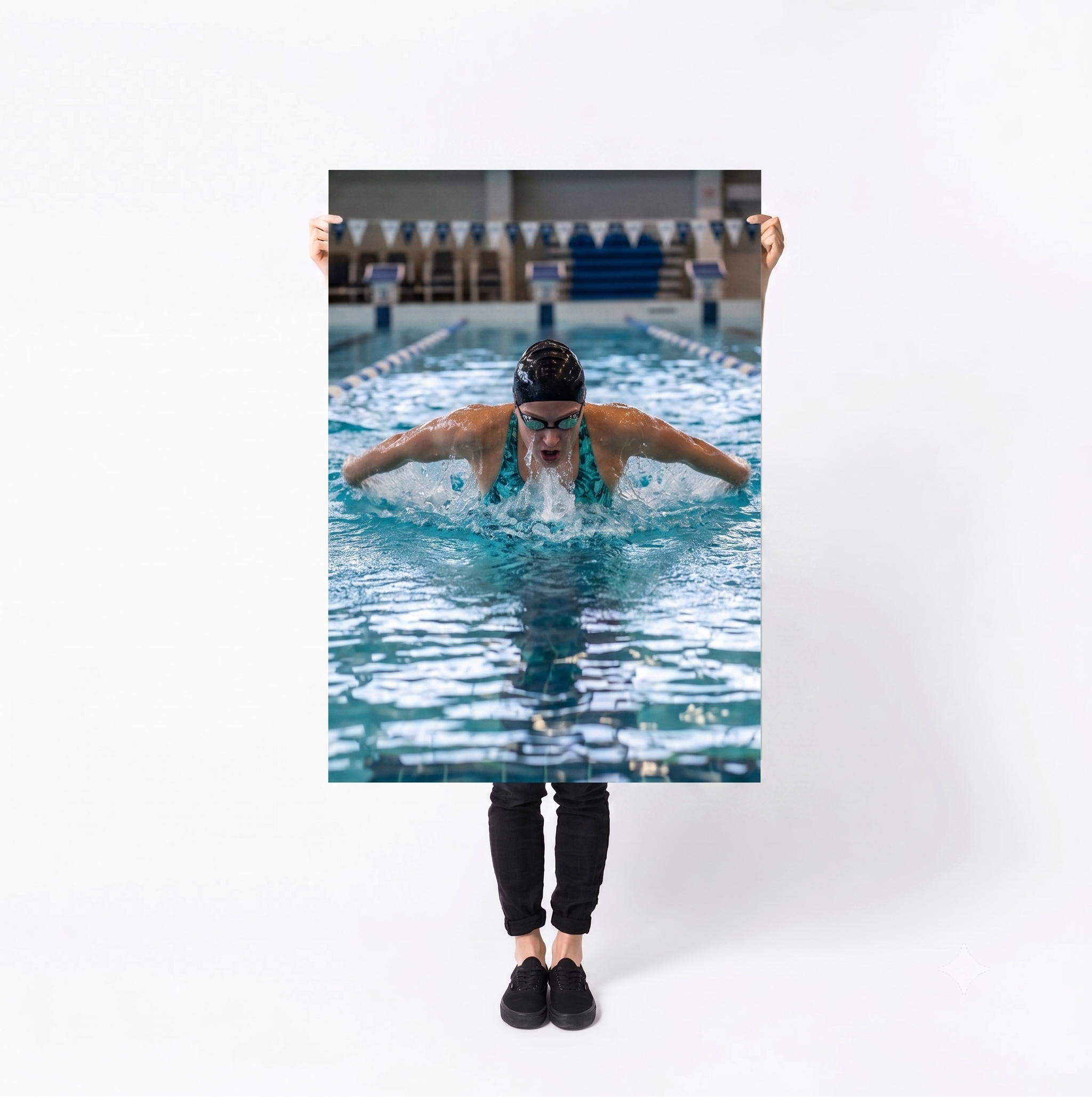
LARGE FORMAT PRINT POSTERS
(INCLUDES FREE HIGH-RES DIGITAL IMAGE)
When a standard desk print isn't big enough, large format posters transform high-energy action shots into high-impact wall art.
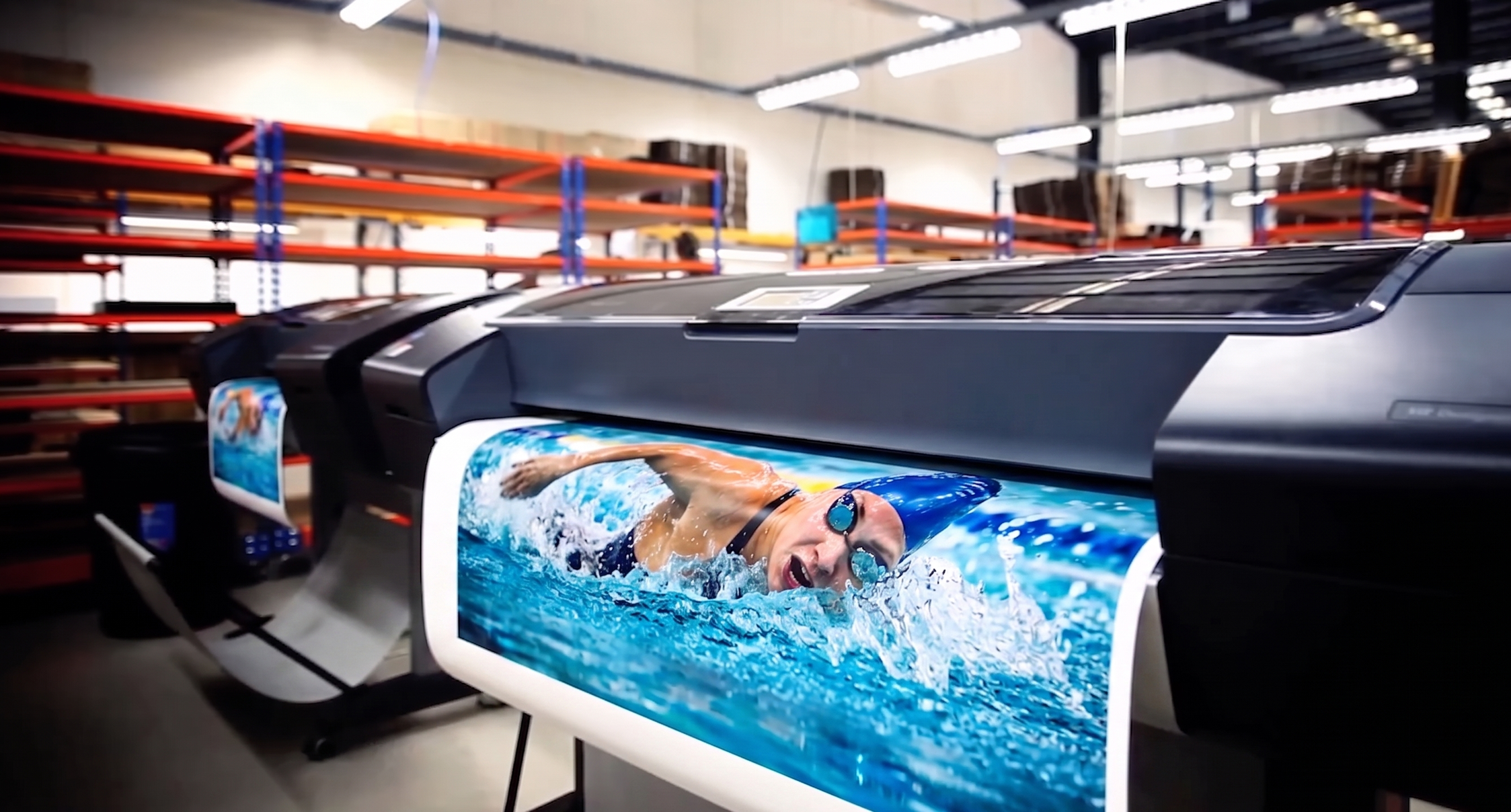
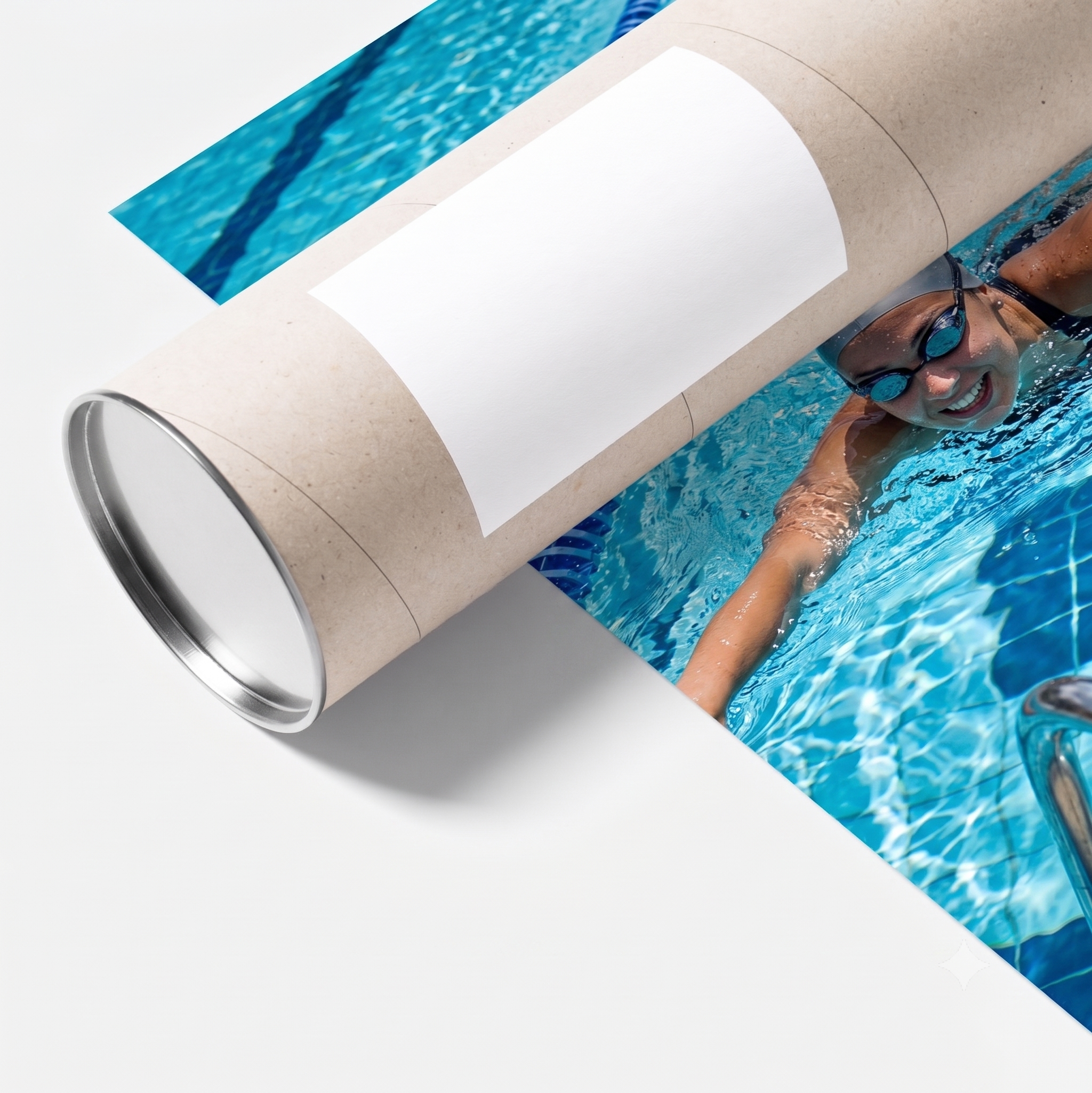
Unlike commercial poster printers that use cheap inks on thin paper, large format wall prints are produced using state-of-the-art 12-colour archival pigment printing on heavyweight, professional-grade photo paper.
Shipped in heavy-duty reinforced postal tubes for safe delivery.
🎁 BONUS: Every poster purchase includes a FREE matching high-resolution digital file (a £10 value included at no extra cost) delivered to your email account after checkout!
PREMIUM HAND-STRETCHED CANVAS FRAME
(INCLUDES FREE HIGH-RES DIGITAL IMAGE)
Transform your swimmer's favourite race photo into a high-impact wall display!
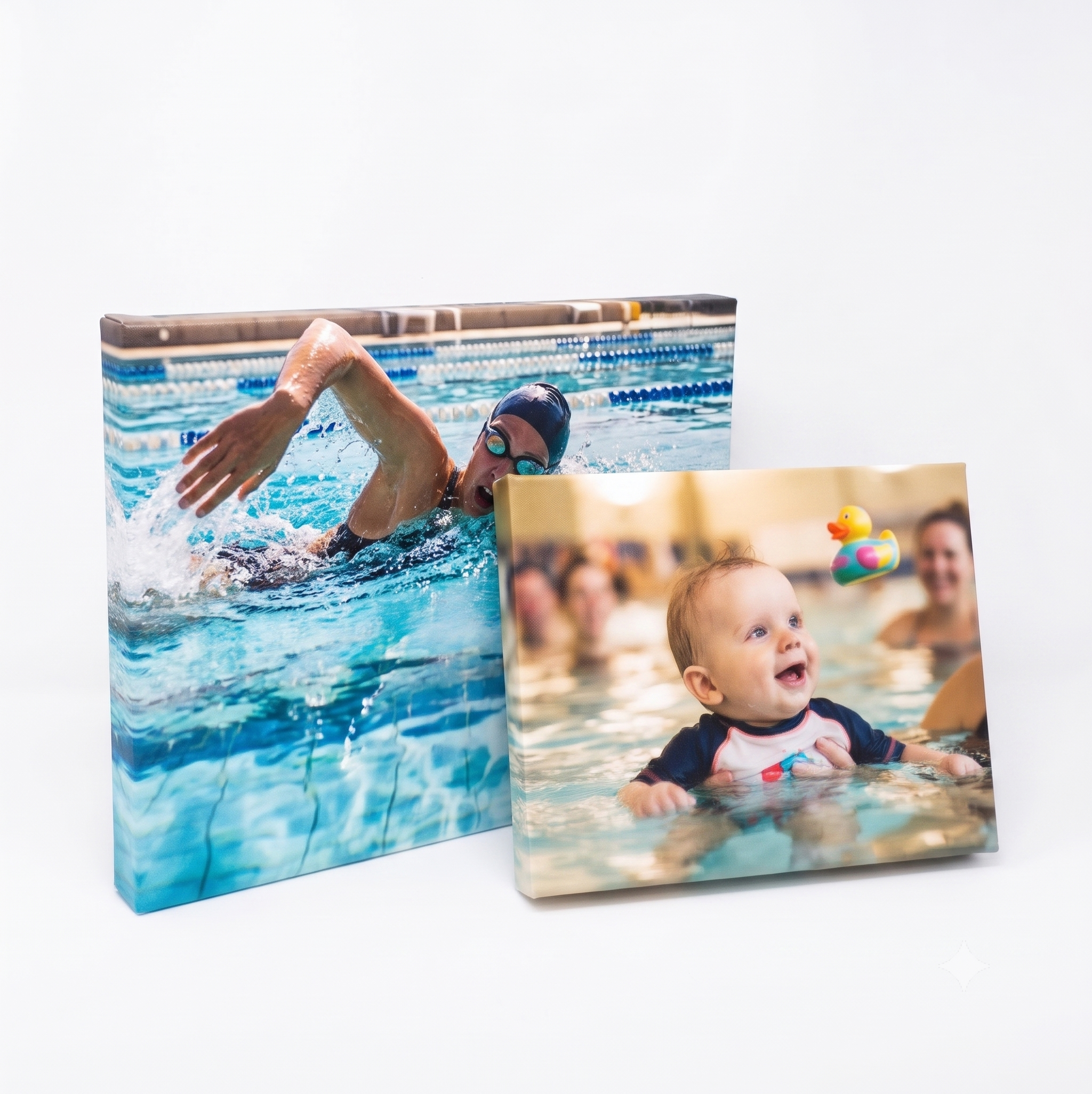
Unlike cheap high-street canvas prints, which use thin frames, sag over time, and crack along the edges, pro gallery canvases are printed on heavy fine-art fabric, hand-stretched over a 38mm solid wooden frame, and sealed with a protective, glare-free satin varnish.
100+ Year Archival Quality: Vibrant, calibrated colours that won't fade or shift.
Arrives ready to hang: Sealed back with built-in hanging hardware.
🎁 FREE High-Res Digital Included: Includes the matching high-res download (£10 value) emailed to you after checkout so you don't have to choose between wall art and a phone download!